How to Customize Your Jacket
This guide helps you choose the right jacket type, compare styles, pick materials and colors, add patches or logos, select the right size, review your order, and receive final approval photos before delivery.
Start Designing →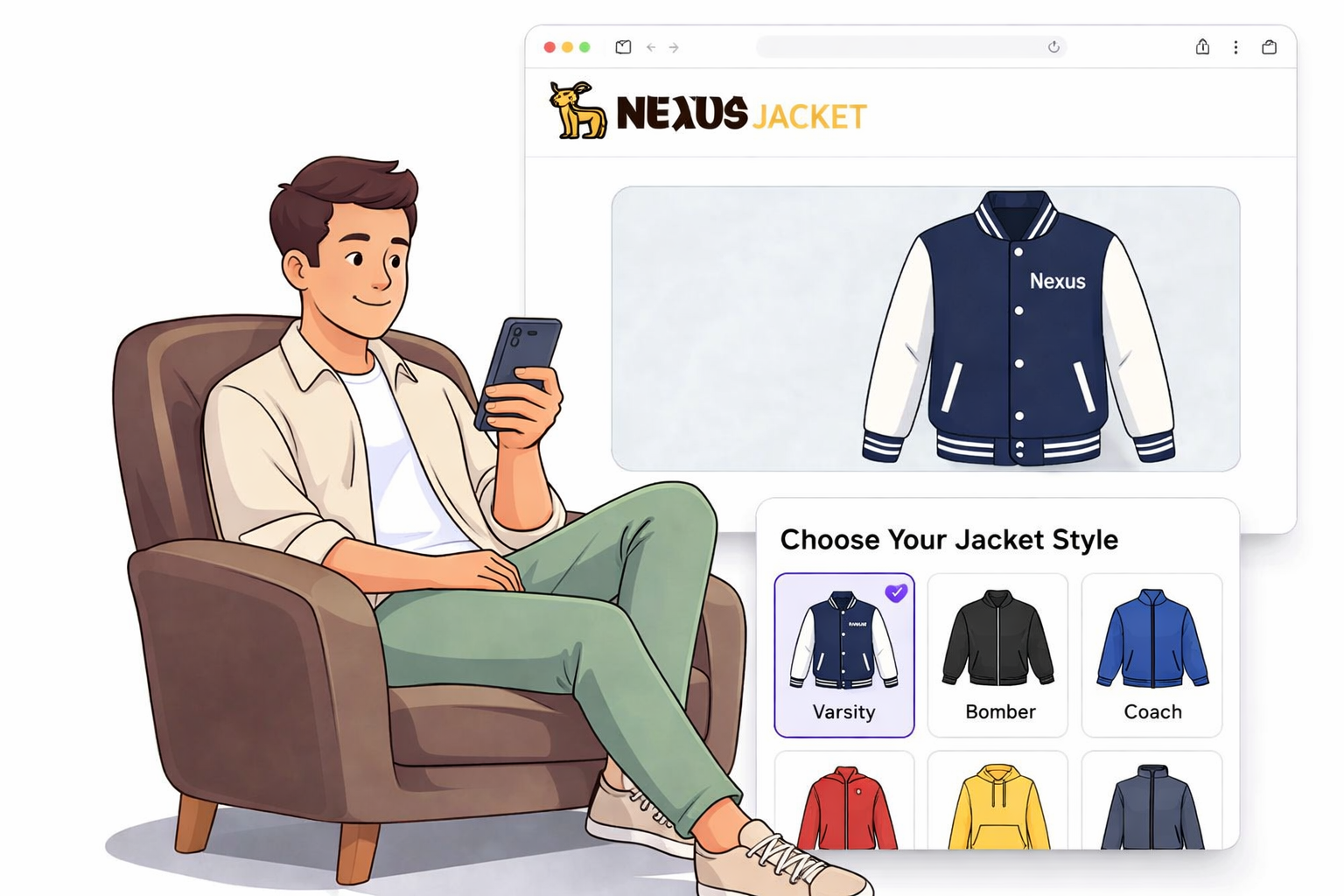
Choose Your Jacket Style
Start with the style that fits your goal. Each option gives you a different look, feel, and decoration result.
Select Materials
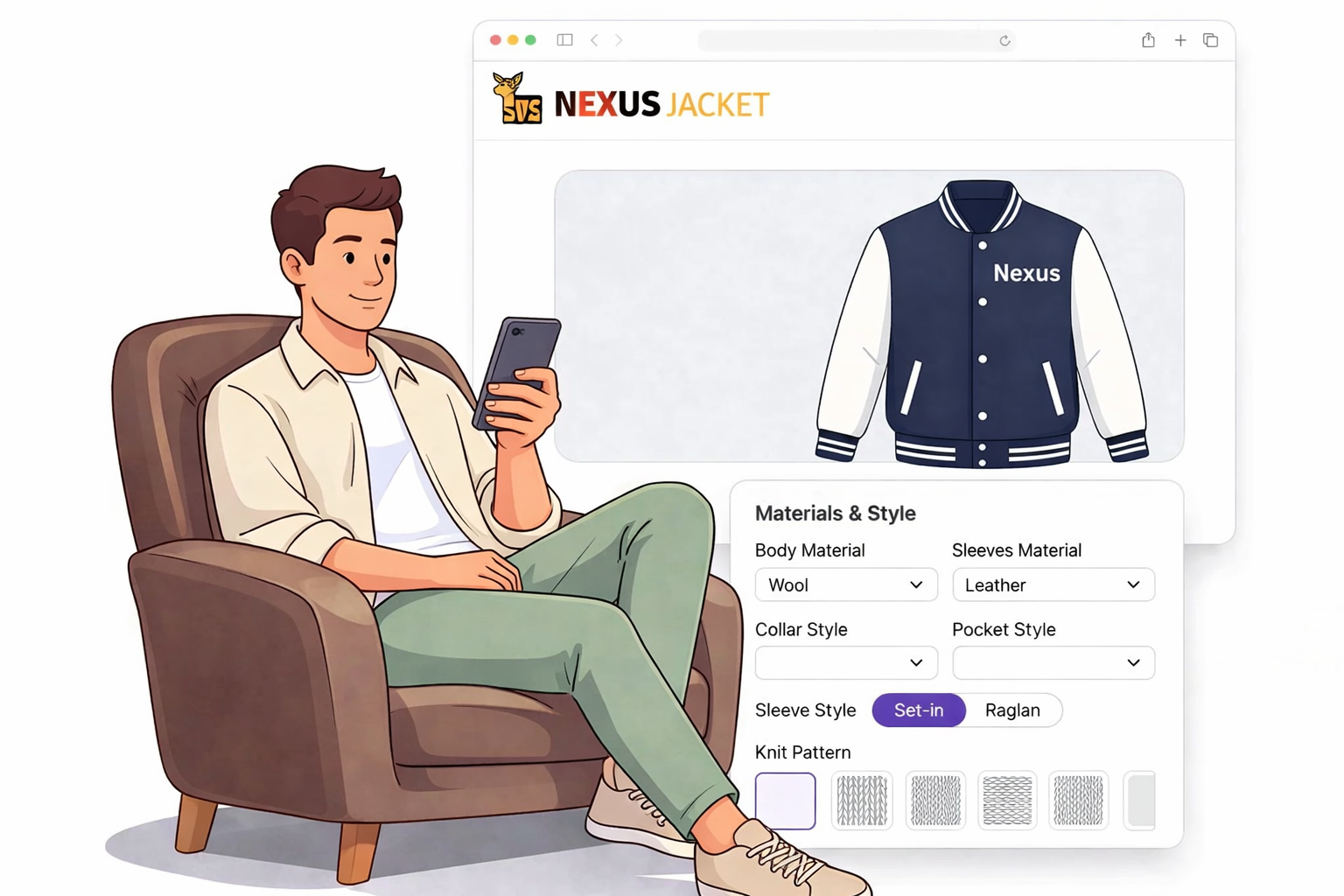
Choose the material that matches your style, season, and budget. Nexus Jacket offers Melton wool, cowhide leather, sheepskin leather for select bomber styles, faux leather, satin, nylon, cotton fleece, and cotton twill. Some materials give a classic varsity look, while others feel lighter, softer, or better for modern everyday wear. See all available material options we offer.
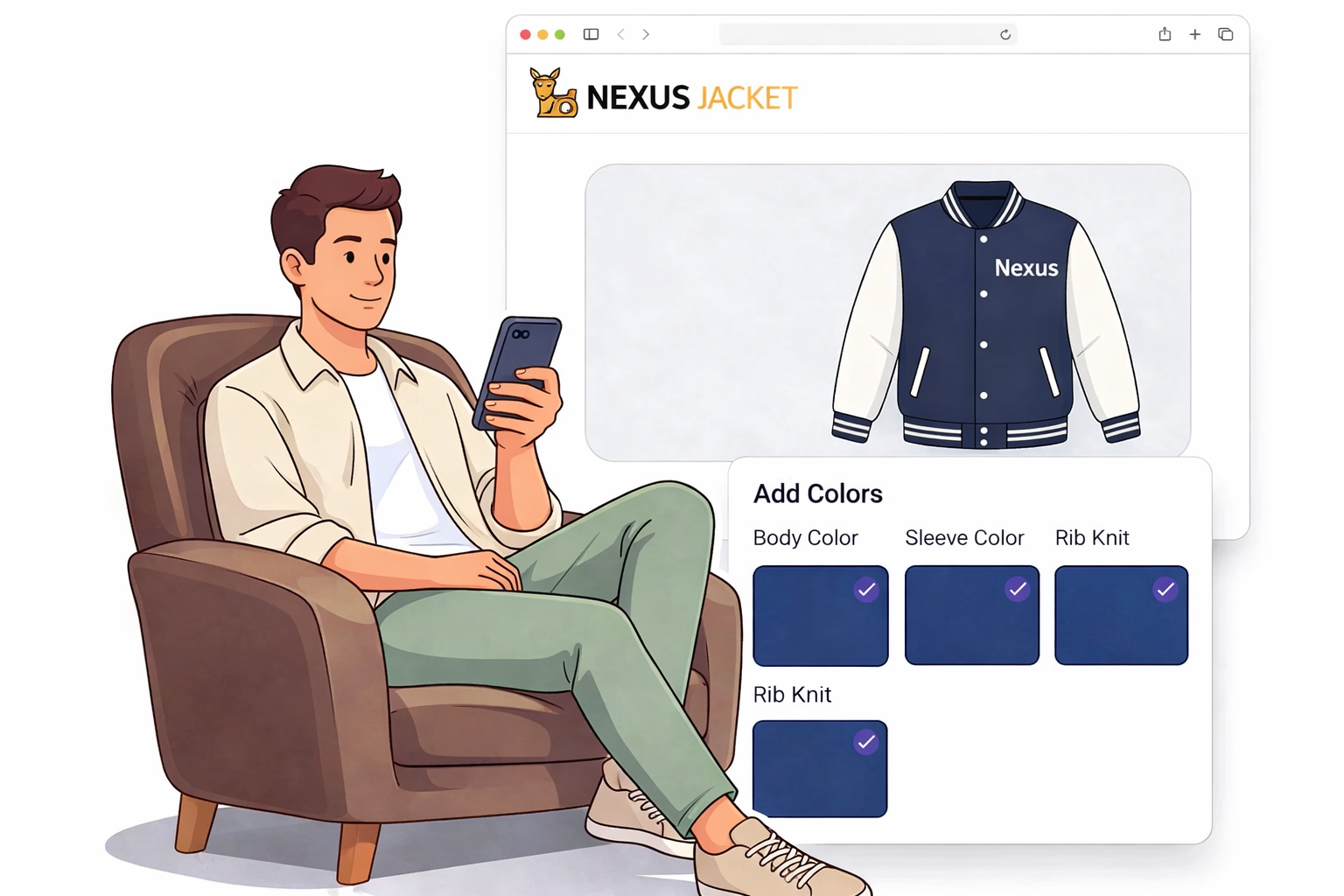
Choose Colors
Pick colors for the body, sleeves, pockets, and rib knit trim. You can match school colors, team colors, or brand colors while keeping the design clean and easy to read. A clear color plan helps your logos, patches, names, and numbers stand out better on the finished jacket. Explore our wide range of colors before finalizing your design.
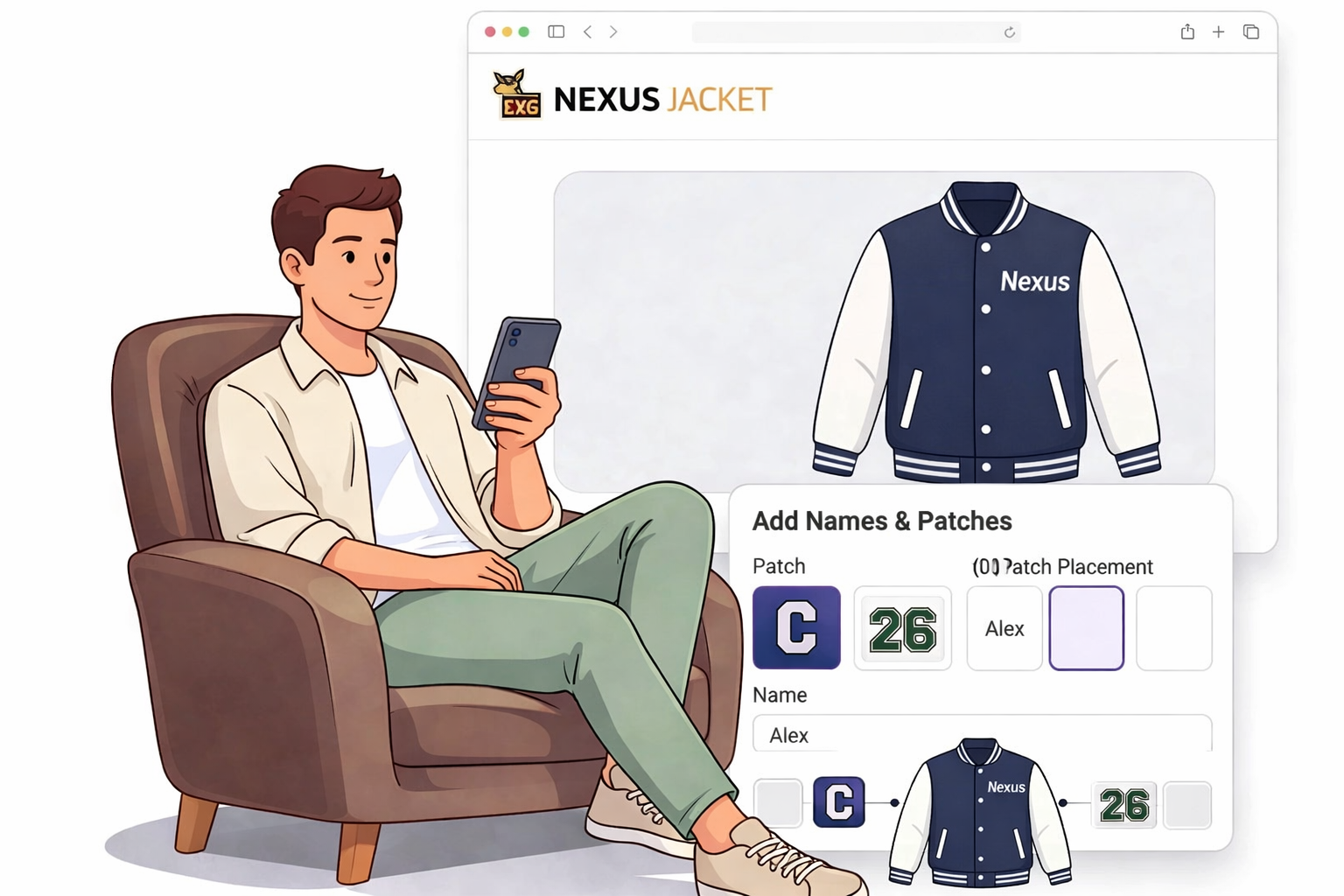
Add Logos & Patches
Personalize the jacket with chenille patches, embroidered patches, felt patches, printed artwork, logos, names, and numbers. Common placement areas include the left chest, right chest, sleeves, and back, depending on the style and decoration method. Visit our patches & embroidery guide to compare decoration types and placement ideas.
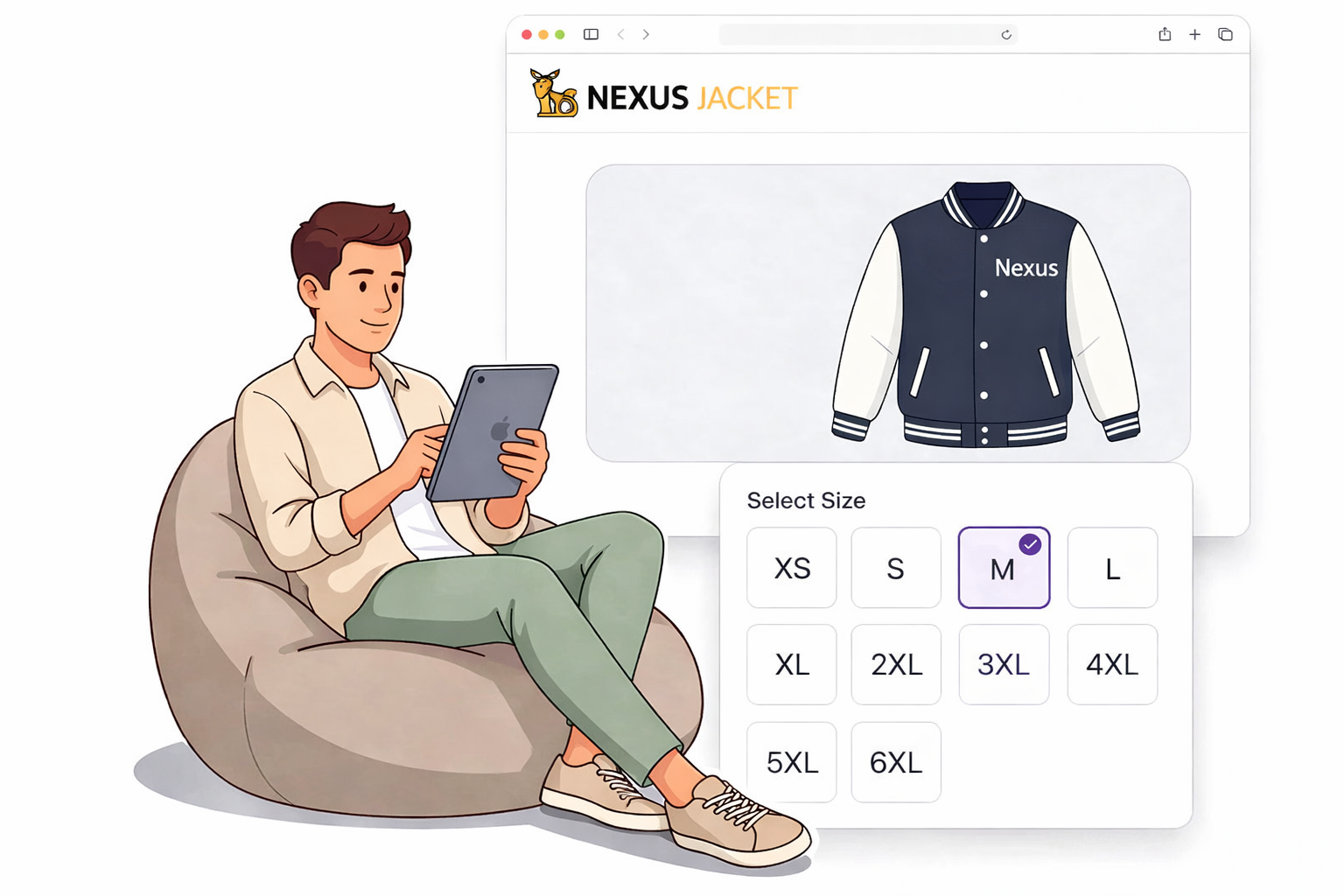
Select the Right Size
Nexus Jacket offers unisex youth and adult sizes from XS-6XL. Use our size guide to compare measurements before ordering, especially for schools, teams, and group orders where each person may need a different fit. Collect sizes early so your final order stays accurate and easy to manage.
Review and Place Your Order
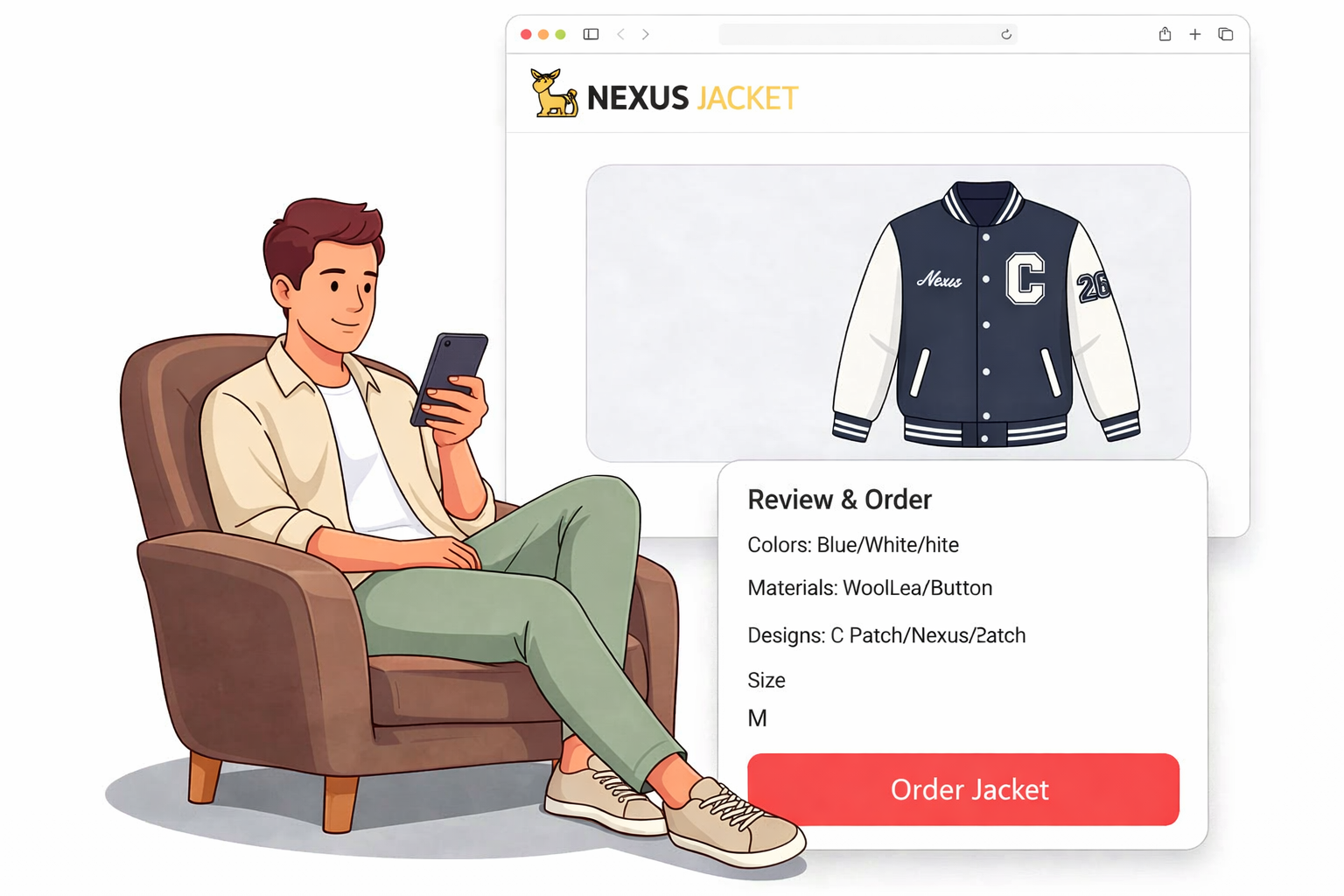
Review your colors, materials, patches, logos, names, numbers, sizes, and placement details before placing the order. For a single jacket, you can move into the builder and complete the order online. For a school, team, or group project, you can request bulk help from our team.
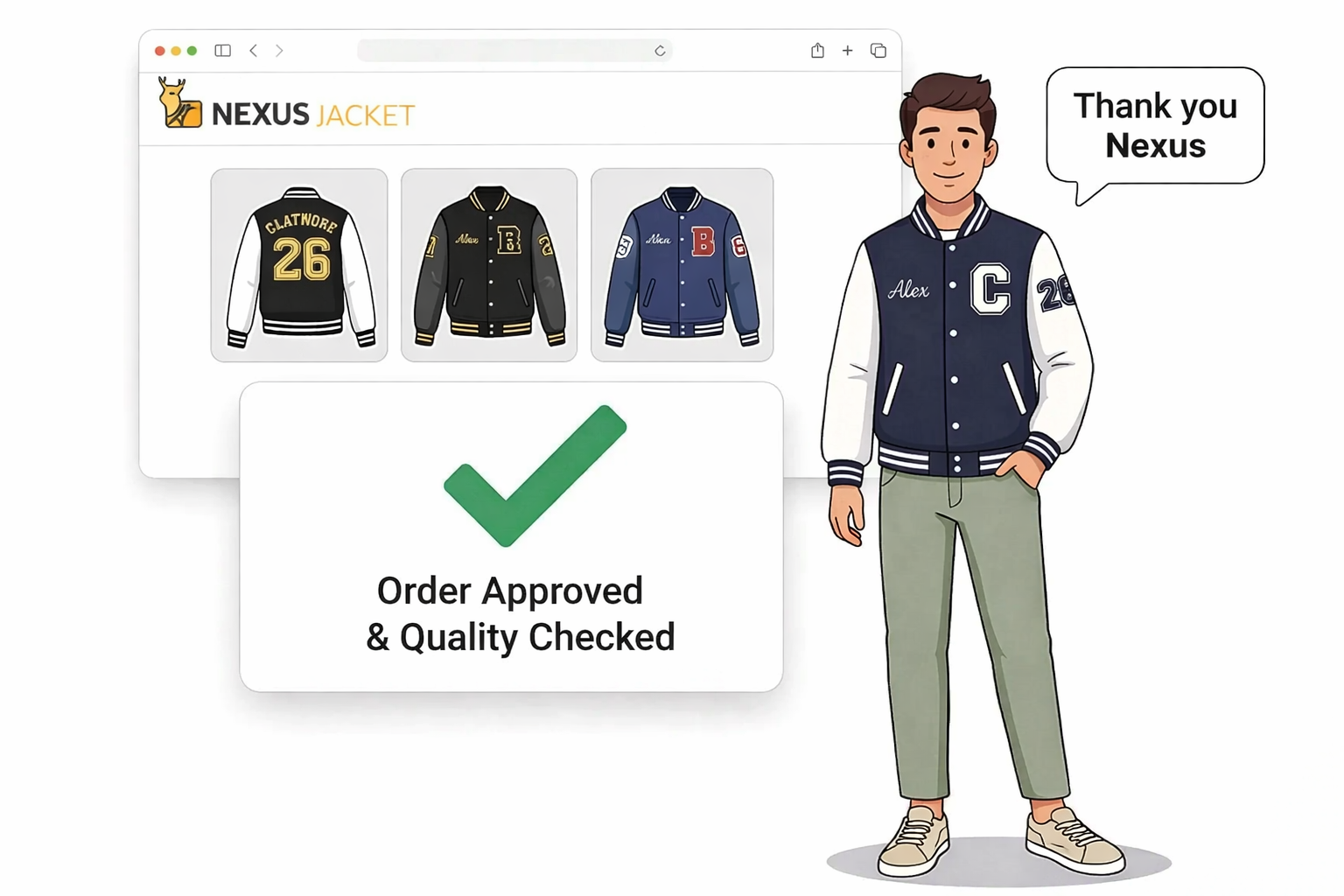
Review Photos & Delivery
Once your jacket is completed, we share clear photos of the finished piece so you can review the final look before shipping. After your approval, we dispatch your order to your doorstep using FedEx or DHL Express, depending on the destination and order type.